
Test Your Backups Before Storm Season
Test Your Backups Before Storm Season
Why small businesses should verify data recovery before severe weather hits
Storm season can arrive fast, and for many businesses, the biggest risk isn’t the weather itself—it’s the downtime that follows. Power outages, flooding, and hardware failures can shut down operations in minutes. Yet many companies assume their backups will work without ever testing them.
That’s a dangerous assumption. According to IBM’s Cost of a Data Breach Report, the average data breach now costs organizations millions, and downtime can significantly increase those losses. Meanwhile, research from Gartner shows that many businesses discover backup failures only after a disaster occurs.
For small and mid-sized companies, that risk is even higher. Without verified backups and a recovery plan, even a short outage can stop productivity, delay customer service, and impact revenue.
Before storm season ramps up, it’s worth asking a simple question: When was the last time you actually tested your backups?
Why Backup Testing Matters More Than You Think
Most businesses today have some type of backup system in place. That’s a good start—but having backups and knowing they work are two different things.
Backup systems can fail quietly due to misconfigurations, storage errors, or outdated software. Over time, these small issues can add up. When a server crashes or files are lost, companies sometimes discover that the backups are incomplete—or unusable.
Common backup problems include:
- Backups running but not capturing critical files
- Corrupted backup images that cannot be restored
- Slow recovery times that cause extended downtime
- Cloud backups that were never properly configured
- Missing security protections that expose data
Testing your backups verifies two key things: data integrity and recovery speed. In other words, you confirm that your files are recoverable and that your business can restore operations quickly.
For companies relying on small business technology systems like accounting software, CRM platforms, and cloud applications, that recovery time can make the difference between a minor disruption and a major operational crisis.
How Managed IT Services Strengthen Your Backup Strategy
This is where experienced IT partners come in. Managed IT services providers help businesses move beyond basic backups and build a complete recovery strategy.
A professional IT support team will typically help you:
1. Test backup recovery regularly
Instead of assuming backups work, an MSP performs controlled recovery tests to ensure files, servers, and systems can actually be restored.
2. Implement secure cloud solutions
Modern backup strategies often combine local backups with secure cloud storage. This protects data from physical damage caused by storms, fires, or hardware failure.
3. Strengthen cybersecurity protections
Ransomware attacks frequently target backup systems first. A well-designed cybersecurity strategy ensures backups remain protected and isolated.
4. Create a disaster recovery plan
A recovery plan outlines how your business will restore operations after an outage. It includes recovery timelines, system priorities, and communication plans.
For many organizations, working with an MSP near me provides access to enterprise-level expertise without needing a full internal IT team.
Companies like Nerdwork Services, LLC specialize in helping businesses evaluate their backup systems, test recovery procedures, and implement reliable managed IT services that reduce downtime risk.
Don’t Wait Until the Storm Hits
Storm season is unpredictable—but your IT preparation doesn’t have to be.
Testing backups now can help ensure your business stays operational when unexpected outages occur. A simple recovery test today could prevent hours—or days—of disruption later.
If you’re unsure whether your backups are truly protecting your business, it may be time for a professional review. An experienced IT support partner can assess your systems, strengthen cybersecurity defenses, and ensure your data is recoverable when it matters most.
Before the next storm arrives, make sure your backups are ready.
Sources
- IBM – Cost of a Data Breach Report
- Gartner – IT Infrastructure and Disaster Recovery Research Reports
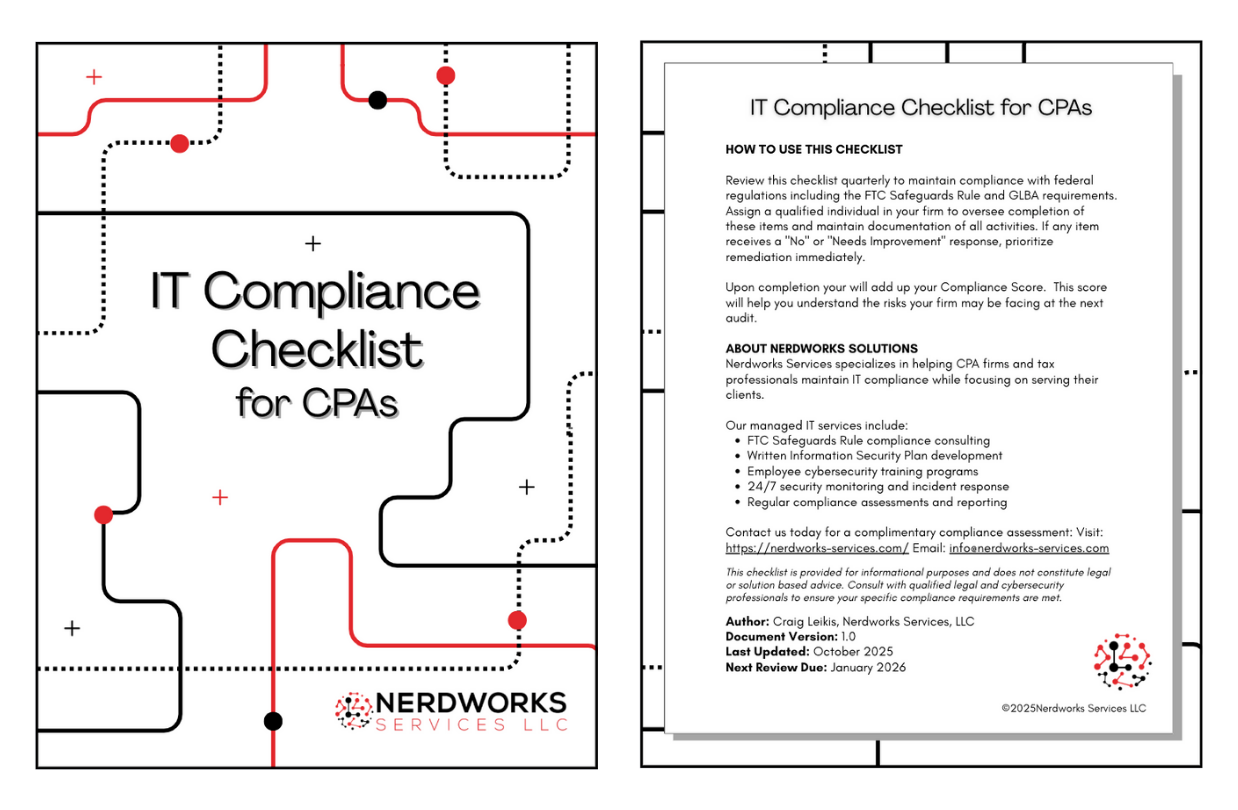
**To help you stay compliant,**we have created the IT Compliance Checklist for CPAs. This is the comprehensive checklist you need to identify issues, fix them, and build compliance BEFORE your next audit.
If you have any questions or need further explanation, this checklist comes with a 30 minute consult to personalize this checklist to your firm.
STAYING COMPLIANT -IT Compliance Checklist for CPAs
Nerdworks Services, LLCspecializes in helping accounting firms and other compliance-driven companies navigate remote work’s complexities while maintaining compliance and supervision standards through collaborative consulting, infrastructure design, IT management, training, and ongoing support.
Nerdworks Services, LLC| 1901 Central Drive, Suite 401, Bedford, Texas 76021 | (682) 324-9360 | website:https://nerdworks.services/ email:[email protected]


